 COME
COME version labels: number, status and app name
A version identifier, a status such as Latest Version and the app name are different labels. Keep them separate when checking a COME download.
Identify the app
COME names the product being discussed. A display name or filename can be friendly text and is not necessarily a technical package identifier. Do not use the app name alone as evidence that two files are the same.
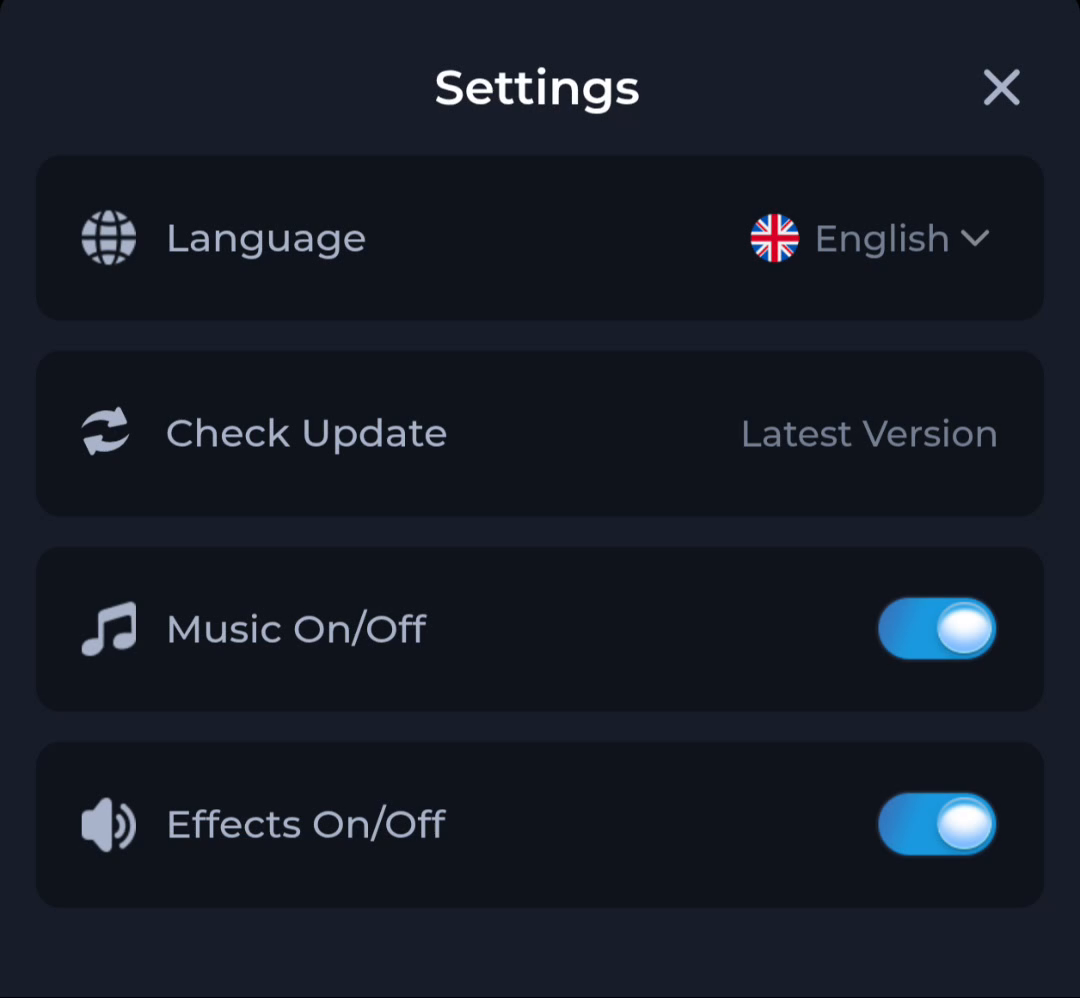
Identify the release
The download listing's version gives you a release comparison value. Check it against the current offered file and the installed version where visible. Do not infer a release date or minimum Android requirement from the version string.
Interpret the status
Settings shows Check Update and a Latest Version label. These tell you about the update control and its displayed state, not all the details of a release. When reporting a problem, quote the exact wording rather than replacing it with an assumed number.
A useful next step
Use separate notes for app identity, version and update status before deciding what to download.
Related: Refreshing a COME APK page does not create a new release