 COME
Read COME Check Update without guessing the result
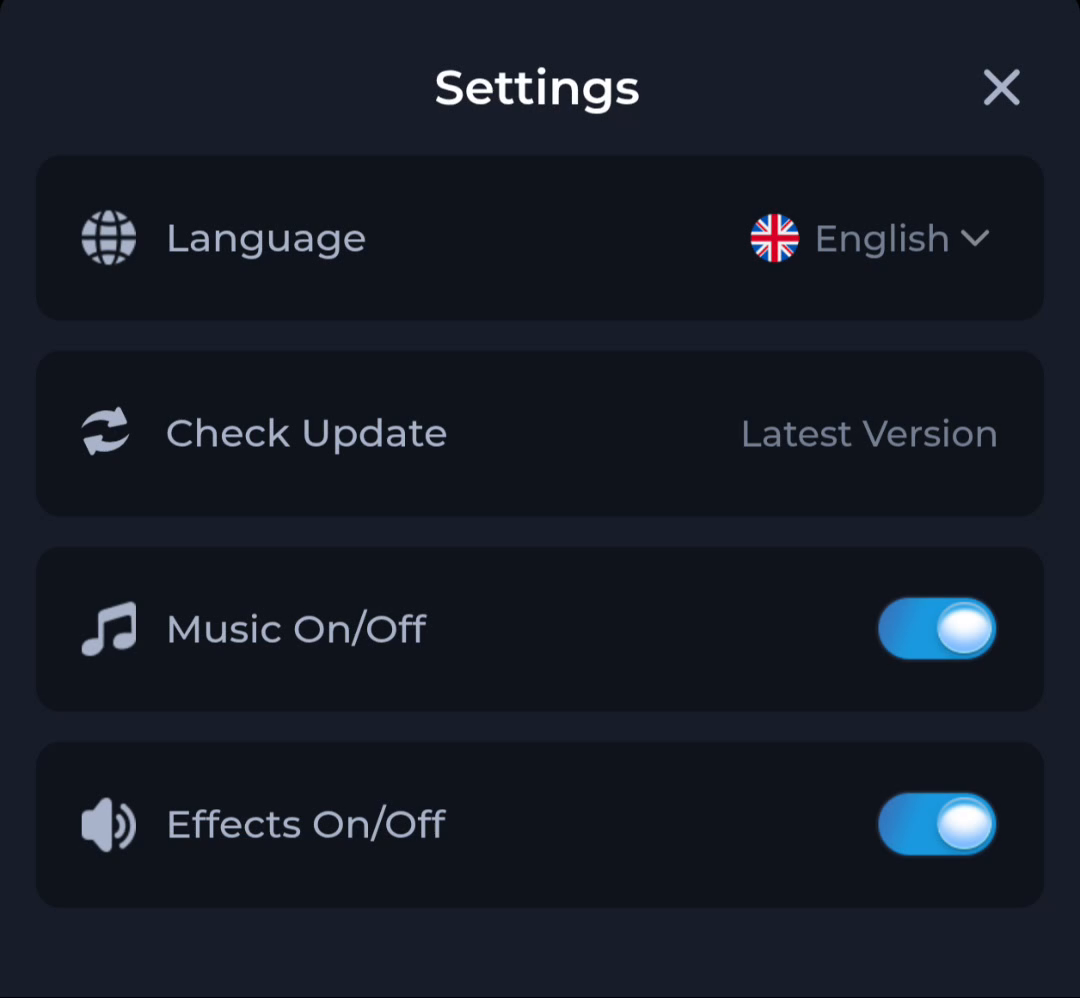
Check Update is an action in COME Settings. Read the response to that action instead of assuming that tapping it downloads or installs a file.
Observe the current response
The screen may show a status or another step depending on the current app and service. Record what actually appears. A screenshot of the Settings row cannot tell you what a different device will display today.
Separate the next stages
A notification about a release, opening an external page, saving a file and installing an update are distinct events. If another page opens, inspect its address and options. If a file transfers, verify completion before opening it.
Keep account access intact
An update check should not require casually deleting the app or sharing credentials with an unsolicited contact. If the current control fails, record the error and connection state and use the displayed help route.
A useful next step
Follow only the update steps actually presented by the current app and Android prompts.